
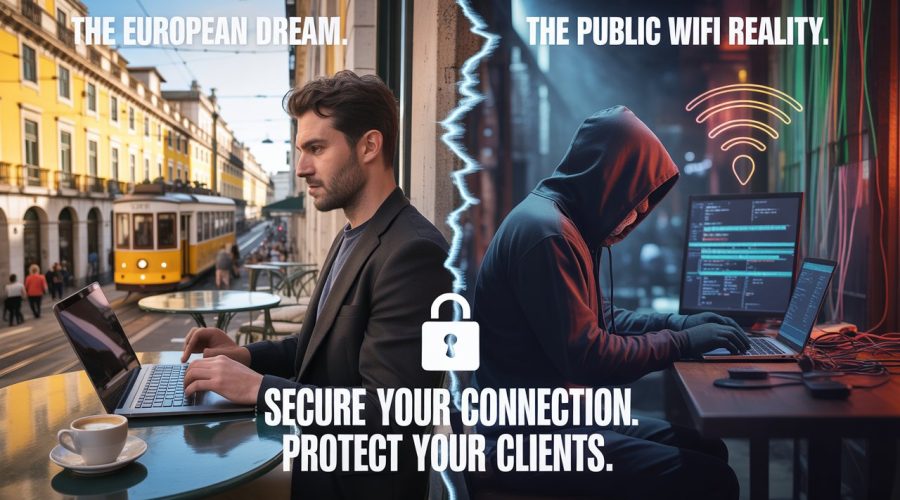
Remote work across Europe sounds idyllic, sun-drenched terraces in Lisbon, minimalist cafés in Berlin, artistic coffee houses in Prague. But behind every open laptop in a public space lies a quiet reality: public WiFi remains one of the most common entry points for cyberattacks worldwide. And for freelancers and digital nomads carrying sensitive client data, even one careless connection can have devastating consequences. According to ENISA, the EU’s cybersecurity watchdog, more than 2,700 publicly disclosed data breaches in 2024 were directly tied to unsecured networks. These incidents affected freelancers, small businesses, and remote professionals who connected to public hotspots without realizing they were exposing every keystroke. This in-depth guide explains everything you need to know about identifying secure public WiFi in Europe, the hidden risks behind the free networks you see everywhere, the cities where you must be extra cautious, and the essential tools required to protect yourself in 2025 and beyond.
Many digital nomads assume that European cities, especially major tech hubs, naturally provide safe and regulated internet environments. Unfortunately, café and co-working WiFi is rarely monitored, standardized, or updated. Here’s a closer look at the most common security flaws.
While large corporations and airports have updated their protocols, a significant number of cafés across countries like France, Portugal, Spain, Italy, and Belgium still use:
This standard was created in 2004. It’s reliable, but only if configured correctly. Sadly, most small-business routers aren’t. Many are running outdated firmware, weak passwords, or default settings.
Some small cafés still rely on:
Networks running these are nowhere near secure public WiFi in Europe, and any sensitive activity (like logging into client dashboards) becomes a high-risk move.
Many coffee shops in tourist zones—especially in Lisbon, Barcelona, Paris, and Rome—prefer giving customers “frictionless” access.
That means:
On these networks, anyone with basic tools can:
This is the opposite of secure public WiFi in Europe, yet these networks are everywhere.
An evil twin hotspot is a fake WiFi network that imitates a real one. Attackers create an access point with the same name as a nearby café, hotel, or co-working space.
For example:
Users connect unknowingly, thinking it’s legitimate. Meanwhile, the attacker captures:
Even experienced digital nomads fall for these, which is why identifying secure public WiFi in Europe requires a systematic approach, not guesswork.
For freelancers and consultants, a single compromised network can lead to:
Clients expect their data to be handled responsibly. Accidentally leaking it over “Free_Cafe_WiFi_5G” is often seen as negligence, not misfortune.
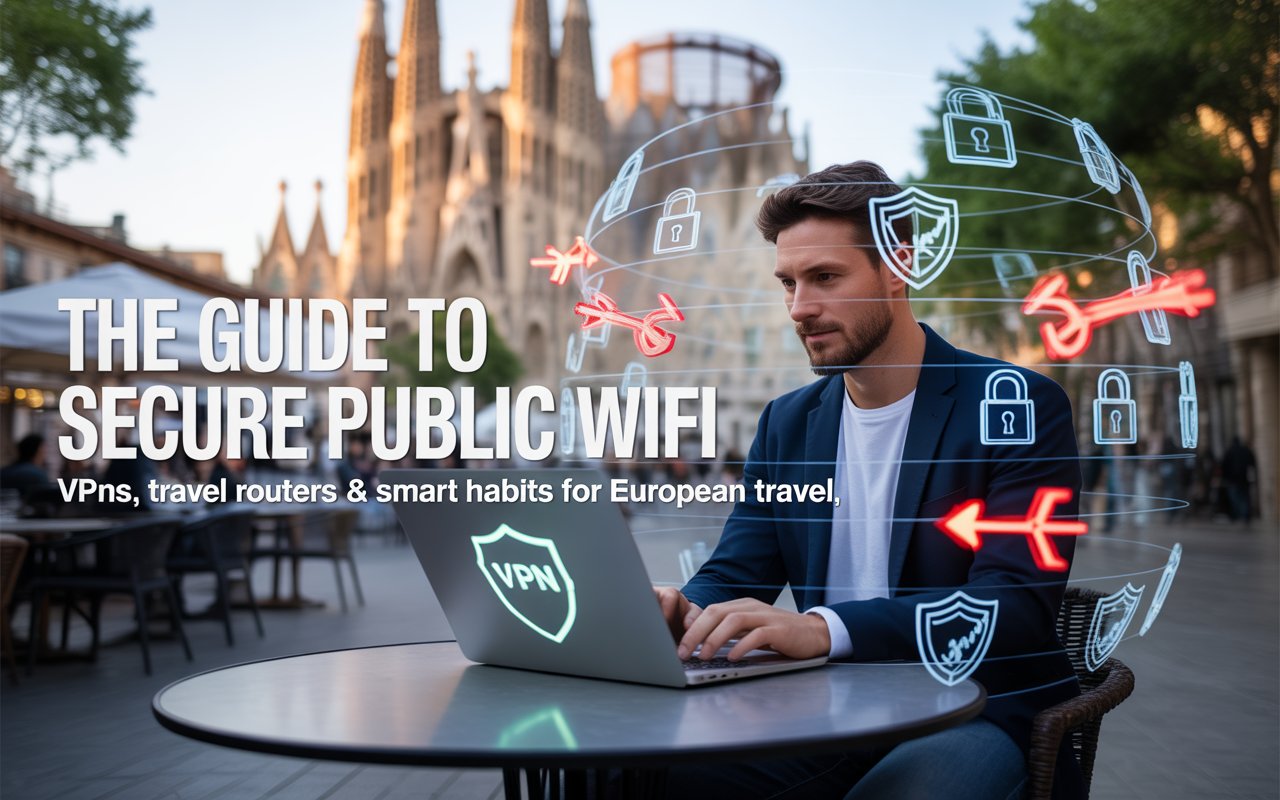
Digital nomads frequently travel between popular hubs, and network security varies drastically depending on culture, infrastructure, tourism levels, and local tech literacy. Here’s a deeper breakdown of secure public WiFi in Europe across major cities.
Amsterdam’s café culture is technologically aware. Many establishments use modern routers, mandatory passwords, and regularly updated firmware. Local tech culture and digital privacy laws contribute to safer environments.
The city’s growing tech community influences even small businesses. Many cafés offer reasonable security protections and avoid completely open networks.
Berlin is a split landscape:
Digital nomads working here should actively look for secure public WiFi in Europe rather than assuming it’s available everywhere.
Beautiful, chic cafés often have terrible network hygiene:
Attackers exploit the high tourist density and relaxed café culture.
Many cafés run completely open networks, especially in neighborhoods like Alfama and Baixa-Chiado. Lisbon’s tourist growth has also increased hotspot spoofing incidents. Spaces designed for nomads, like Outsite or SecondHome, are typically much safer.
Barcelona has one of the highest concentrations of malicious hotspot activity in Europe. WiFi thieves target tourist areas like Las Ramblas, Barceloneta, and the Gothic Quarter, making it difficult to find truly secure public WiFi in Europe without premium co-working spaces.
Every digital nomad should treat cybersecurity the same way travelers treat passports, as non-negotiable.
Below is your multi-layered protection system.
Always-on VPN is the backbone of maintaining secure public WiFi in Europe. It encrypts your traffic, masks your IP, and stops attackers from reading your activity.
Important setting:
Enable the kill switch so your internet shuts off instantly if the VPN disconnects.
DNS leaks expose your browsing even when using a VPN. These tools encrypt DNS requests:
All three provide malware filtering to help maintain secure public WiFi in Europe, even on risky networks.
Creates your own encrypted hotspot using the café’s WiFi. Multiple devices can connect through your personal, protected access point.
Prevents juice-jacking when charging at public USB ports.
Physical authentication keys that drastically reduce account takeover risk.
Before connecting to any public hotspot, follow this routine:
Even secure public WiFi in Europe cannot replace the safety of mobile data when dealing with money.
If you rely on stable, secure public WiFi in Europe, use these verified spaces:
These spaces invest heavily in secure infrastructure, making them significantly safer than cafés.
Accidents happen, even to experienced professionals.
Transparency builds trust.
For freelancers, consultants, and digital nomads, cybersecurity is professionalism. Handling client information responsibly is just as important as delivering high-quality work.
Prioritizing secure public WiFi in Europe is essential in a digital landscape where attackers evolve faster than ever. With the right tools, awareness, and habits, remote professionals can explore Europe freely, without putting their clients or careers at risk.
Stay encrypted. Stay cautious. And work from wherever your passport takes you, safely.